
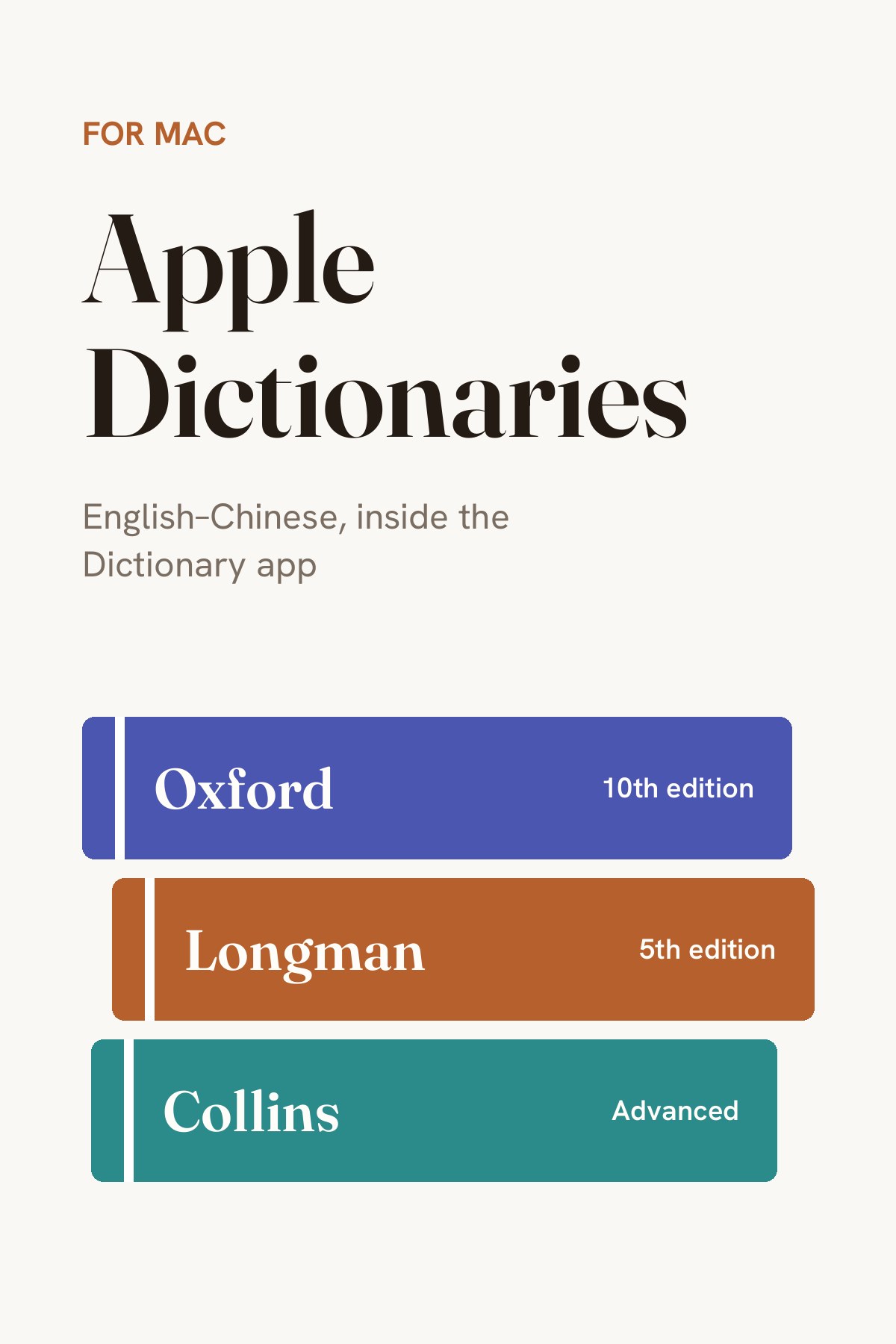
Apple Dictionaries
Oxford · Longman · Collins
The three English–Chinese learner's dictionaries I use every day, built for the Mac Dictionary app — look up any word anywhere with a three-finger tap.
Why am I sharing this?
On my computer I no longer load a pile of word lists into an app like Eudic.
Most of the time I just search the word on Google. Next comes the Mac's own Dictionary app: simple and always there, a three-finger tap on any word and the meaning pops up in place. People online have made dictionaries that work in Apple's Dictionary app, and these three bilingual ones are the ones I use, so they're here too. If you're on a Mac like me, give them a try:
- The Oxford Advanced Learner's English-Chinese Dictionary (10th edition) is the newest, with fresh words and a clean layout, but no sound;
- The Longman Dictionary of Contemporary English (5th edition) explains words in simple English with everyday examples;
- The Collins COBUILD Advanced English-Chinese Learner's Dictionary explains each meaning in a full sentence, like someone showing you how the word is used.
These three only work on a Mac. Installing is simple: unzip, put the dictionary files in the Dictionaries folder inside your Library, then tick them in the Dictionary app's settings. If you get stuck, search online for a guide. Or if you have an AI agent (not a chatbot, but an AI agent that can work your computer), just let it do it.
Try: “Unzip the Apple dictionary files in my Downloads folder, install them in this Mac's Dictionary app, and tick them all in its settings.”
This little tool has helped me, so I'm sharing it with you. If you need it, give it a try; if not, just skip it! ✌️
— Eric
现在在电脑上查单词,我不再用欧路词典这类工具加载一大堆词库。
大部分时候,我直接在 Google 搜这个词;其次就是 Mac 自带的词典,简洁方便,三指轻点一个词,释义就在原地弹出来。网上有网友自制了适用于苹果词典的词库,我常用下面这三本双语词典,也放在这里。如果你和我一样用苹果电脑,可以试试:
- 《牛津高阶英汉双解词典(第 10 版)》最新,收词新,排版干净,只是没有发音;
- 《朗文当代高级英语辞典(第 5 版)》用简单的英文解释词义,例句贴近日常;
- 《柯林斯高阶英汉双解学习词典》用一整句话讲清一个意思,像有人在教你这个词怎么用。
这三个词库只能在 Mac 系统上用。安装很简单:解压后把词典文件放进资源库里的 Dictionaries 文件夹,再到词典的设置里勾选上就行。如果还搞不定,可以上网搜搜相关教程;如果你有 AI Agent(不是聊天机器人,而是能操控你电脑的 AI Agent),直接让它去做就好了。
参考指令:“帮我把‘下载’文件夹里的苹果词典压缩包解压,安装到这台 Mac 的词典 App 里,并在设置里把这几本词典都勾选上。”
这是对我有帮助的小工具,也分享给你。需要就去试试,不需要忽略就好!✌️
— Eric